Free AI Rap Video Generator from Photo
One photo in. Your AI rap video out — free 5s preview, no app, no filming.
Trending now
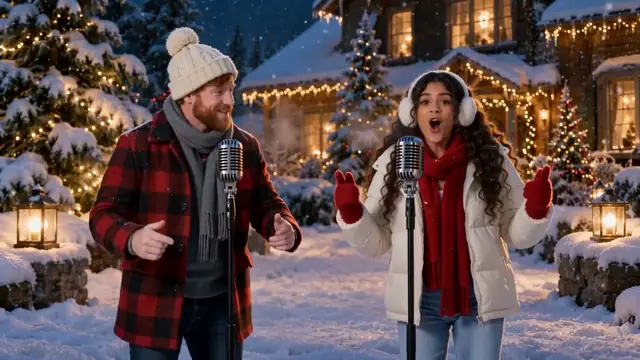
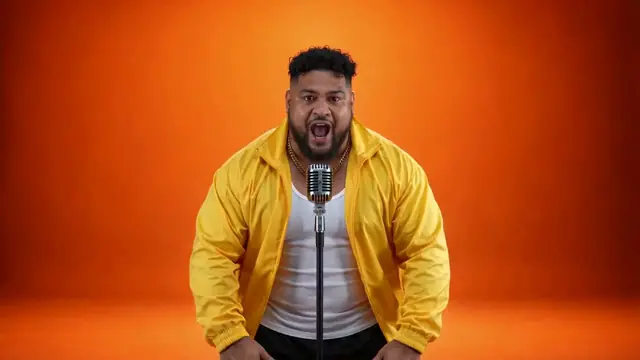
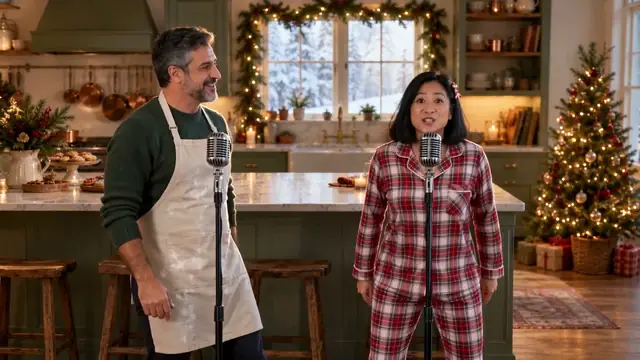
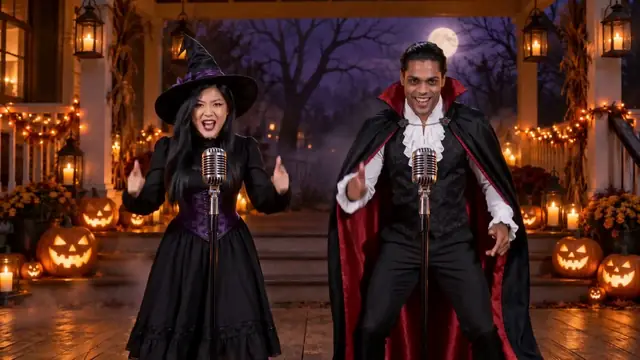
Rap video trends you can star in
The clips everyone is remaking right now. Tap one to make it with your photo.
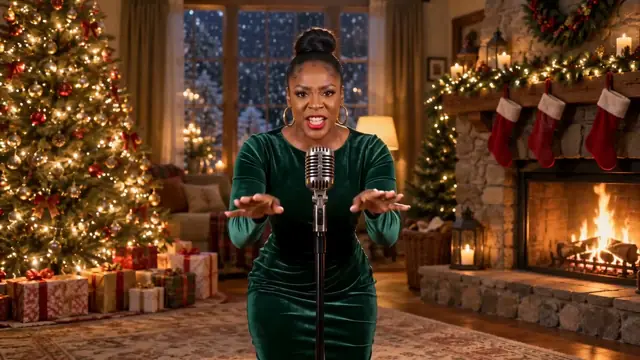
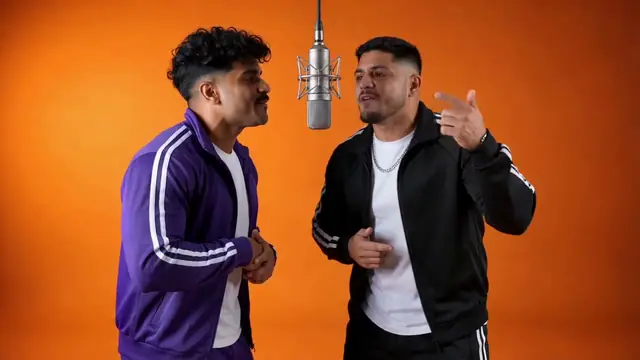
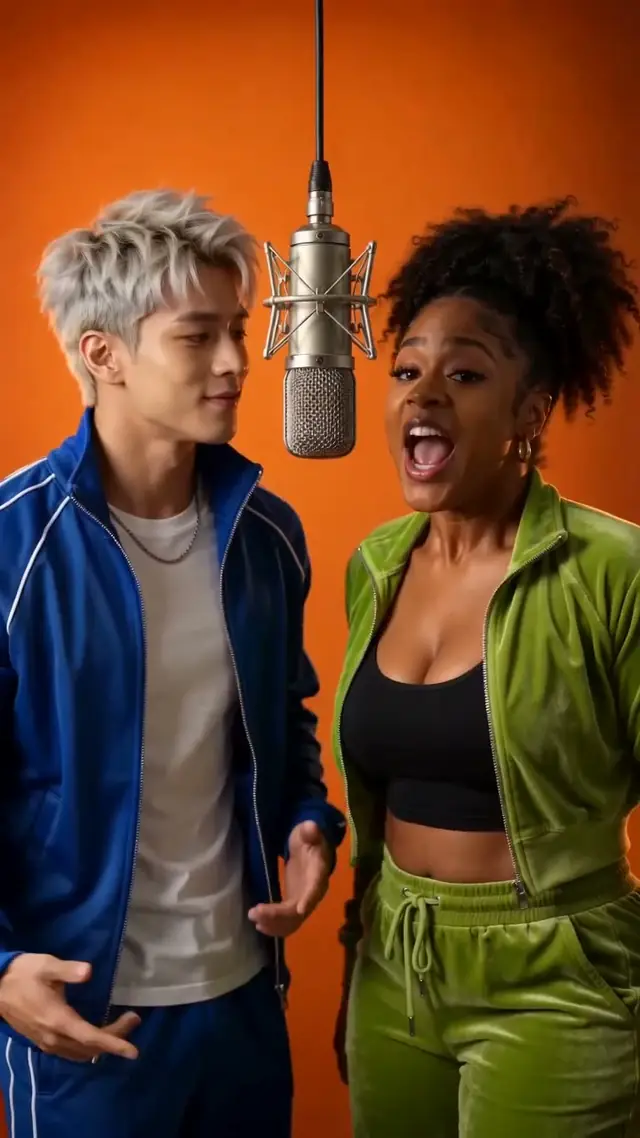
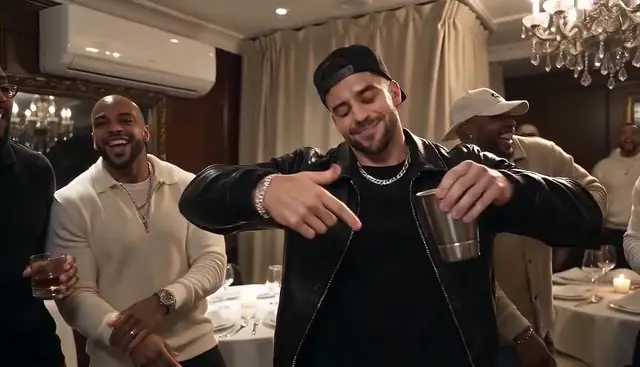
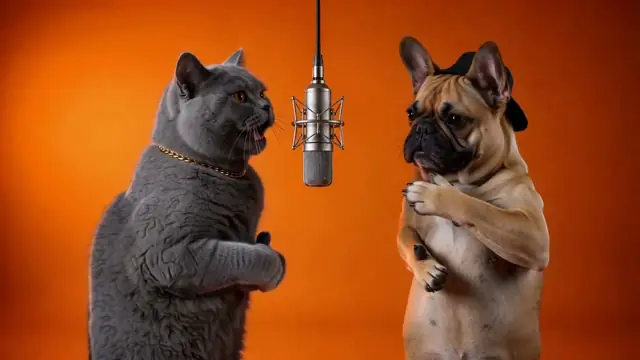
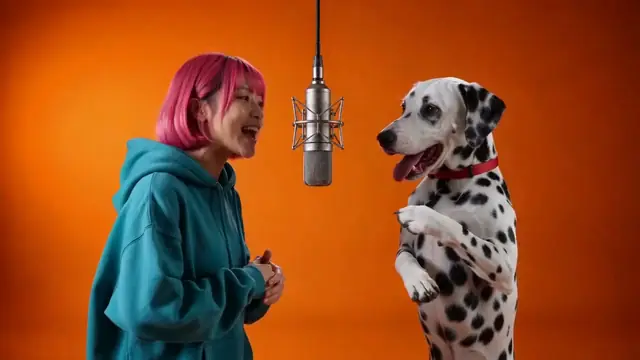
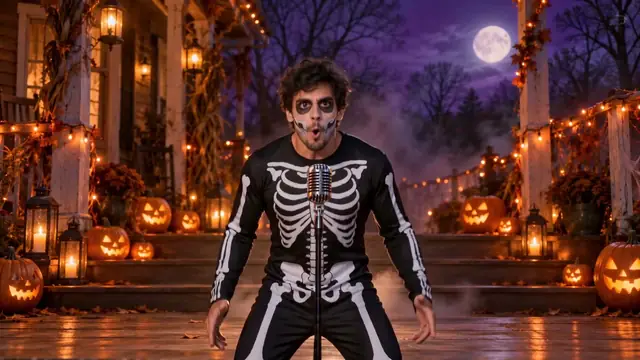
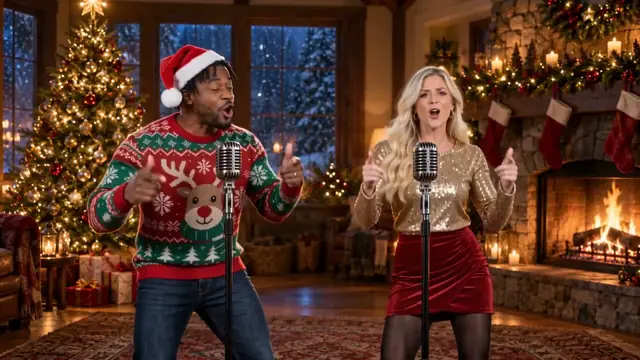
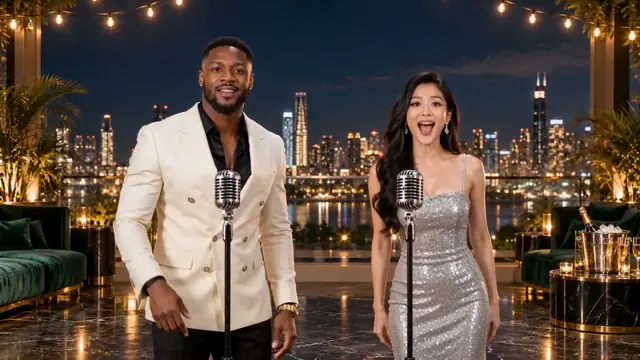
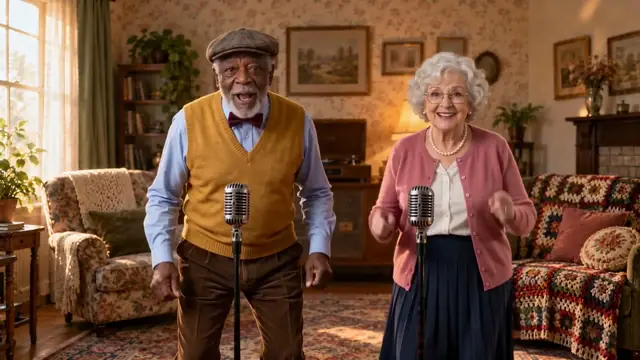
Create your photo to rap video
1Pick the template
The two of you shoulder to shoulder in the orange booth, one hanging mic.
2Add photos
0 of 2 ready
A clear, front lit face works best. JPG, PNG or WebP, up to 10 MB. No sign-in needed to add photos.
Free 5s preview first, no card. Full 15s video from $7.99.
How it works
How to make a photo to rap video in 3 steps
- 01
Upload your photo
Use a clear face; selfie works. Check framing for the effect you pick.
- 02
Generate a free 5-second 720p preview
One preview per account, no card — it is a cut of the real result, not a stock demo.
- 03
Unlock, download and share
Unlock the full clip from $7.99, download, and share. Full clip: 15 seconds at 720p.
The basics
What is a photo to rap video?
A photo to rap video is a short performance clip starring you — made from a portrait, not from a filmed take. RapAIVideos is an AI rap video generator: you upload one photo (or use an image to rap video flow with a clear still), pick a rap effect, and get a shareable 9:16 clip.
- You put inOne clear photo, or one per person in the style.
- You getA 15s 720p 9:16 clip with an original beat and vocals, starring you.
- It is notA lyrics-only song generator or a full-length music-video studio.
Pricing
What a photo to rap video costs
How much does a full photo to rap video cost?
| What you get | Price |
|---|---|
| Preview of your real result: 5 seconds, 720p, small watermark | Free, once per account · no card |
| Full video: 15 seconds, 720p, 9:16, sound on, no watermark | 10 credits · from $7.99 |
| A render that fails | Credits back automatically |
| Purchased credits you haven't used | Refundable within 7 days |
One-time packs, no subscription, and bigger packs cost less per video. See all packs →
Why RapAIVideos
Why make it with RapAIVideos
Photo to rap video vs CapCut templates or filming it yourself
| RapAIVideos | Filming it yourself | CapCut templates | |
|---|---|---|---|
| You need | One photo | A camera, a location, friends | Your own footage |
| Time | A few minutes | An evening, plus editing | Editing time |
| App | None, any browser | Camera and an editor | An app install |
| See it before you pay | Free 5s preview of your real face | — | — |
| Sound | Original beat and vocals, made with the video | Add your own | Template audio |
| Control | You follow the style's moves | Full control | Template's cuts |
Can I make a photo to rap video without filming or an app?
Yes. RapAIVideos runs in the browser: upload a photo, generate the preview, unlock the full photo to rap video. No filming setup and no app install for the core flow.
Does the free preview show my real face in the AI rap video?
Yes. The free preview is a real 5-second 720p cut of your generation — once per account, no card — so you can judge likeness before paying.
Photo tips
Photos that work best
Bring as many people as the style has: one photo for Burning Bridges, two (or one of you both) for Hotel Lobby and the duo stages.
- Face the camera, with your whole face in view.
- Light in front of you: no sunglasses, masks or heavy filters.
- One person per photo, waist up. A selfie usually works.
- JPG, PNG or WebP, up to 10 MB. Wear what you want to be seen in.
House rules
What you can't make
Is it safe to upload my photo for an image to rap video?
- Only people who agreed.Yourself, or adults who said yes to being in the video.
- No minors.Photos of anyone under 18 are refused.
- No celebrities or public figures.Not even as a parody.
- No famous songs in the file.Your download has its own original beat, never a trend's master audio.
What we store, how long, and how to delete it: see Privacy.
FAQ
Frequently asked questions about photo to rap video
Is the AI rap video generator free?
Yes for the preview: one free 5-second 720p cut of your real result per account, no card. Unlocking the full clip is paid, from $7.99.
Can I make my photo rap with AI?
Yes — that is the core photo to rap video task. Upload a portrait, pick an effect, preview, then unlock. You can give the verse a topic; we write the opening line and an ad lib from it. Uploading your own song is not supported.
Can AI create a rap — song or video?
Both exist. Song tools output lyrics, vocals and beats. RapAIVideos focuses on an AI rap video generator from photo: a performance clip from a still image, not a lyrics-only track.
Is there a free music video generator / can AI make videos from photos for free?
You can start free here with the 5s preview. A complete unlimited free music-video studio is not what we claim. Full length and resolution require unlock.
Do I need ChatGPT to turn my image into a video?
No. ChatGPT is a separate chat product. RapAIVideos is a dedicated image to rap video / photo workflow in the browser.
What photo should I upload?
A clear face, limited obstruction, matching the effect’s person count. Selfies usually work. JPG, PNG or WebP, up to 10 MB. More in Photos that work best, above.
Does the video include sound? Can the mouth lip-sync?
Yes. Every current effect comes with an original beat and rap vocals generated with the picture, and the mouths move to the words. We never use a famous song or a real artist’s voice. Having a beat is not the same as mouth sync, so judge it in the free preview.
Can I share the clip on TikTok, Reels, or Shorts?
You can download the MP4 and upload it under each platform’s rules, or use Share to open your phone’s share sheet.
Who can see my uploaded photos?
See Privacy for retention, processors, and deletion. We do not ask you to upload anyone without consent.