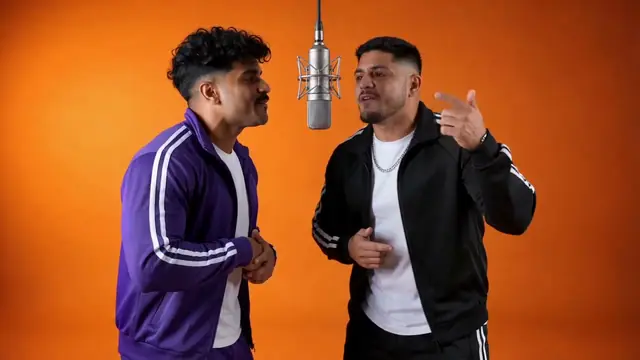
Hotel Lobby AI Video Generator
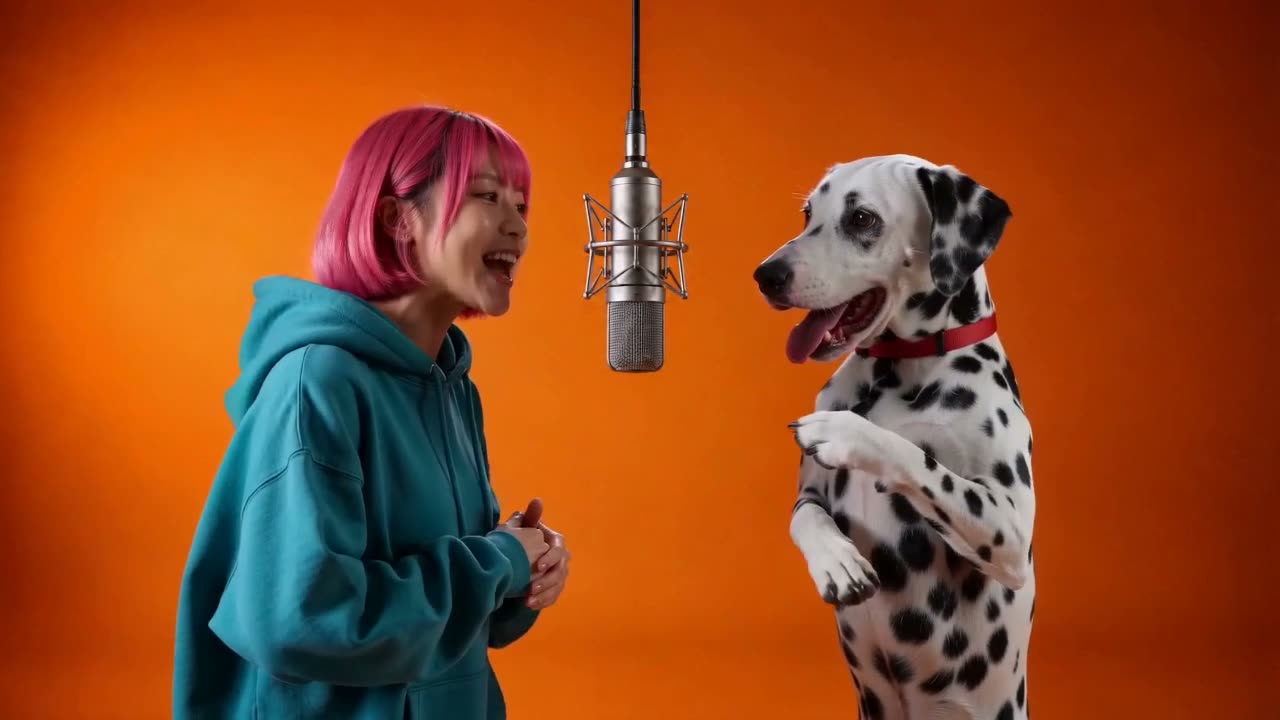
Two photos in, the orange booth rap out: side by side under one hanging mic, rapping on the beat. Friends, couples or pets.
Create your Hotel Lobby AI video
Pick the meme
The two of you shoulder to shoulder in the orange booth, one hanging mic.
Add photos
0 of 2 ready
A clear, front lit face works best. JPG, PNG or WebP, up to 10 MB. No sign-in needed to add photos.
Free 5s preview first, no card. Full 15s video from $6.99.
4 Hotel Lobby versions to pick from
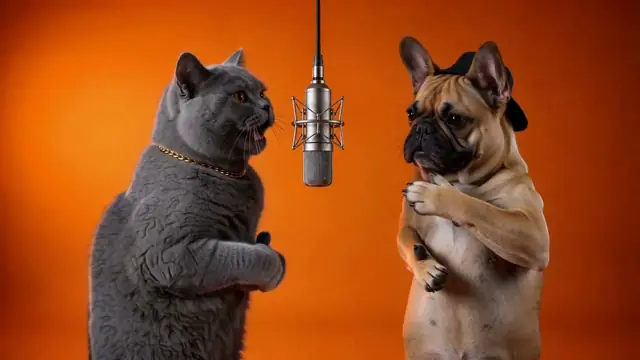
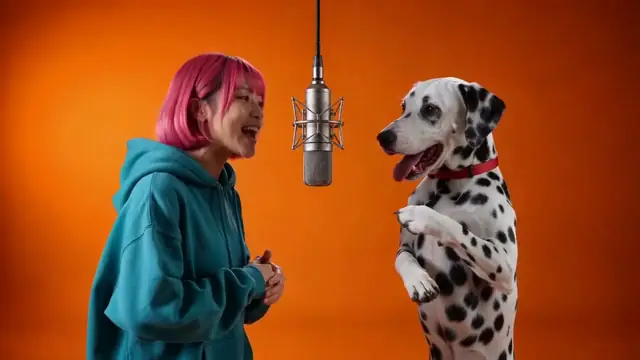
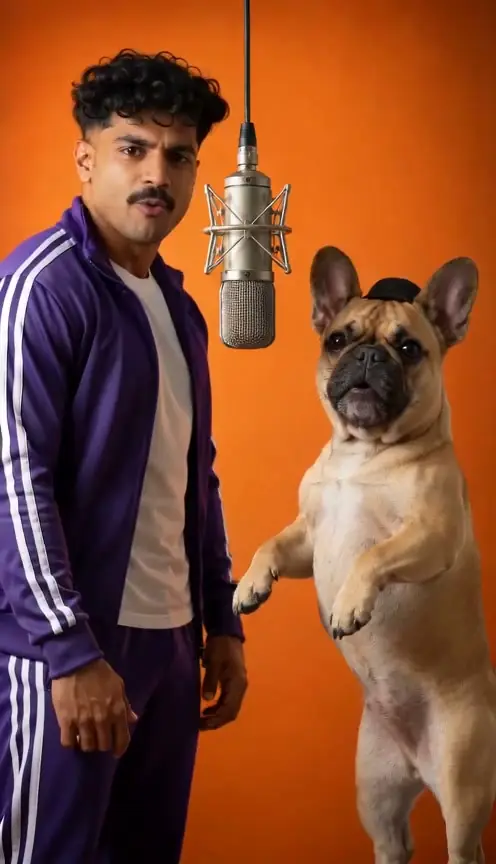
You & your pet · Vertical
You and your pet trade original rap lines at one shared mic.
Make this versionTrending now
More rap templates
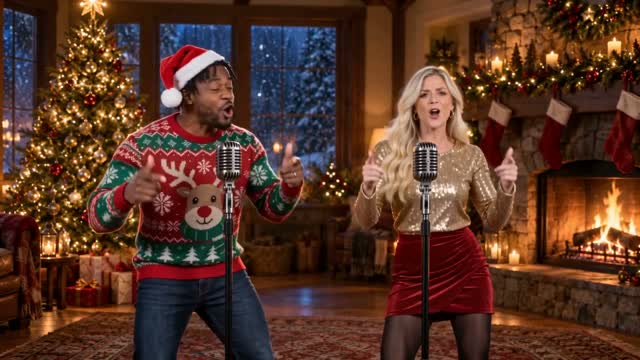
Christmas rap song
Your photo raps an original Christmas verse by the tree, lips in sync. Solo or duo, free 5s preview.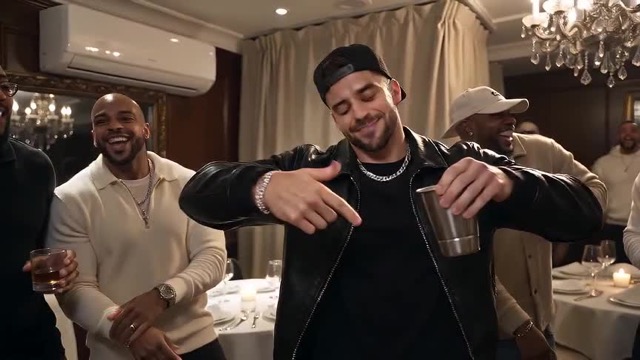
Burning Bridges AI
One photo in, the Burning Bridges party out: you walk up to the lens, cup up, the room cheering, move for move.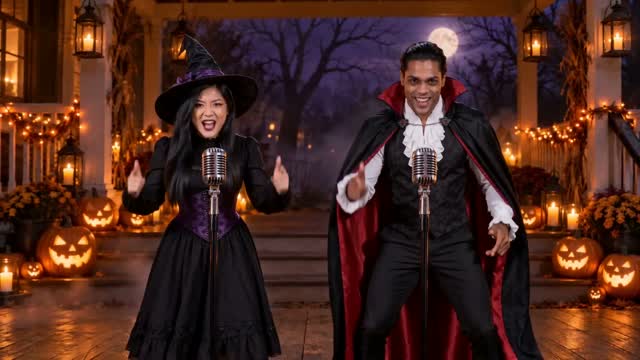
Halloween rap song
Your photo raps an original Halloween verse on a pumpkin-lit porch, lips in sync. Solo or duo, free 5s preview.The trend
What is the Hotel Lobby AI trend?
The Hotel Lobby trend is a rap clip of two performers in a plain orange booth sharing one hanging microphone. They trade lines side by side, point at each other and hype each other up, all in one steady shot.
Hotel Lobby AI is the quickest way to make your own. Instead of finding an orange wall and filming, you upload two photos and get the whole clip from one generation: the orange booth, the hanging mic, the two of you rapping on the beat. Friends, couples, siblings and pets all work.
After unlocking the full video, choose “Download with sound” to keep our AI-generated beat and vocals, or “Silent, for a trending sound” to save the same video without audio. To use the trend's original song, download the silent version, upload it to TikTok or Reels, and select the official trending sound available in that app's library when you post. The social app adds the song to your post.
Also searched as: hotel lobby ai video, hotel lobby trend, hotel lobby rap, hotel lobby ai cats.
How it works
How to do the Hotel Lobby trend in 3 steps
- 01
Upload 2 photos
One clear photo of each performer, facing the camera in good light: photo 1 raps on the left, photo 2 on the right. People must be adults who agreed; pets just need their whole head in frame.
- 02
Preview free, then get the full video
Your first 5-second preview is free, once per account. Like it? Unlock the full 15-second 720p video for 10 credits, from $6.99. The full video is rendered separately after unlocking; allow around 6 minutes, with extra time for busy queues.
- 03
Download and post
Download the MP4 and post it to TikTok, Reels or Shorts. Add the trending sound there if you want it.
Pricing
How much does a Hotel Lobby AI video cost?
Your first 5-second preview is free, once per account, no card. A full Hotel Lobby AI video is 10 credits, from $6.99, paid once with no subscription. Credits never expire, and a video that fails gives them back.
| What you get | Price |
|---|---|
| AI preview made from your photos: 5 seconds, 480p, small watermark | Free, once per account · no card |
| Full video: 15 seconds, 720p, 9:16 vertical or 16:9 landscape, with sound or silent download, no watermark | 10 credits · from $6.99 |
| A render that fails | Credits back automatically |
| Purchased credits you haven't used | Refundable within 7 days |
Prices are in USD. Any applicable taxes are calculated and shown at checkout before you pay.
One-time packs, no subscription, and bigger packs cost less per video. See all credit packs →
Good to know
Hotel Lobby AI vs CapCut templates and other AI video generators
CapCut templates need your own footage and editing. General AI video generators turn a photo and a text prompt into whatever the AI makes up, so they rarely look like the trend. Hotel Lobby AI is built for this one scene: you upload 2 photos and press one button, with no prompt and no editing. The trade-off: you get this scene, not a custom video.
Good to know
Is it safe to use Hotel Lobby AI?
Upload only your own photos, photos of adults who agreed, or your own pets. Photos of children, celebrities and public figures are refused, and sexual or harassing content is not allowed. What we keep and how to delete it is on the Privacy page.
FAQ
Hotel Lobby AI: questions
What is Hotel Lobby AI?
A tool that puts two people, two pets, or you and your pet into the orange booth Hotel Lobby trend from two photos, with no filming or editing.
Is Hotel Lobby AI free?
You can try it free: a free 5-second 480p preview generated from your photos, once per account, no card. The full 15-second 720p video is 10 credits, from $6.99.
Can I do the Hotel Lobby trend with my cat or dog?
Yes. Pick Pets for two pets, or You & your pet to share the booth with yours. You & your pet is available in Vertical and Landscape versions. Use a clear, front-facing photo with the whole head in frame.
Who do I need photos of?
Two subjects, one photo each: you and an adult who agreed, two pets, or you and your pet. One photo of both of you works too. The first photo goes on the left, the second on the right.
Is my Hotel Lobby video vertical or landscape?
Hotel Lobby — Friends and Pets are 9:16 vertical. You & your pet offers both: choose Vertical for 9:16 or Landscape for 16:9. All four versions are 15 seconds at 720p, with sound or a silent download, and cost the same. The generator shows the selected version’s format before you start.
Do I need the original video or the song?
You only need 2 photos. After unlocking the full video, choose “Download with sound” to keep our AI-generated beat and vocals, or “Silent, for a trending sound” to save the same video without audio. To use the trend's original song, download the silent version, upload it to TikTok or Reels, and select the official trending sound available in that app's library when you post. The social app adds the song to your post.
Which app should I use for the Hotel Lobby trend?
No app needed. Hotel Lobby AI runs in your phone or computer browser and gives you an MP4 to post on any app.
Can I use photos of celebrities or other people?
Only yourself, adults who agreed, or your own pets. Celebrities, public figures and children are refused.
What happens if a video fails?
If a video fails, its credits go back to your balance automatically, and unused purchased credits can be refunded within 7 days.
Is Hotel Lobby AI affiliated with the original video?
No. RapAIVideos is an independent tool, not affiliated with the performers, the song's artists, TikTok or YouTube. Every video is our own AI-made take on the trend.
What photo size and aspect ratio should I use?
For individual photos, we recommend at least 768 pixels on the shorter side and a 2:3 or 3:4 portrait crop. Keep the face and upper body clear; for pets, keep the whole head and body visible. For a shared photo, a 3:2 or 4:3 landscape crop can fit both subjects comfortably. JPG, PNG or WebP, up to 10 MB. Individual photos must be at least 320 pixels on each side; shared photos must be at least 768 pixels on each side, with both faces large and clear. Your photo's crop does not determine the video's format; the selected template does.
How long does generation take?
Based on our recent tests, allow about 2–4 minutes for the free 5-second preview and around 6 minutes for a full 15-second 720p video. The full video is rendered separately after you unlock it. These are estimates; queue times and safety checks can make a render take longer.
Can I leave the page while my video is generating?
Yes. Once you see “Your request is saved”, generation runs on our servers and continues after you close the page. Return to My Videos with the same account to check progress and view the finished video.
What if my video stays pending for too long?
Refresh My Videos to check the latest status. Renders that have not finished after about 20 minutes time out during status checks. Credits spent on a failed or timed-out render return automatically; a failed free preview does not use your free-preview chance. If it still shows Rendering after that, contact support with the link to your video.
Can I download a silent version?
Yes. You can download both versions of your unlocked full video: “Download with sound” includes our AI-generated beat and vocals; “Silent, for a trending sound” saves the same video without audio. In My Videos, use “Download silent” for the silent version.
What is the difference between Original rap and Meme remake?
Original rap creates new AI lyrics, a beat and vocals on the stage you choose. Meme remake recreates a trend's scene and moves with AI-generated audio; it does not embed the trend's original recording. Both offer downloads with our AI-generated sound or without audio. For the trend's original song, download silent and select the official trending sound in TikTok or Reels when you post.
Can I use the trend's original song on TikTok or Reels?
Yes. To use the trend's original song, download the silent version, upload it to TikTok or Reels, and select the official trending sound available in that app's library when you post. The social app adds the song to your post.
Can I choose a different vocal or upload my own song?
Voices are generated automatically for each video. Selecting a specific vocal or uploading your own song is not currently supported.
Ready for your Hotel Lobby video?
2 photos in, your own Hotel Lobby video out. The first 5 seconds are free.
Make my Hotel Lobby videoRapAIVideos is an independent fan tool, not affiliated with the people in the original video, TikTok or YouTube. Every video is our own AI-made take on the trend, marked as AI-generated. Added October 29, 2026 · updated October 31, 2026.